
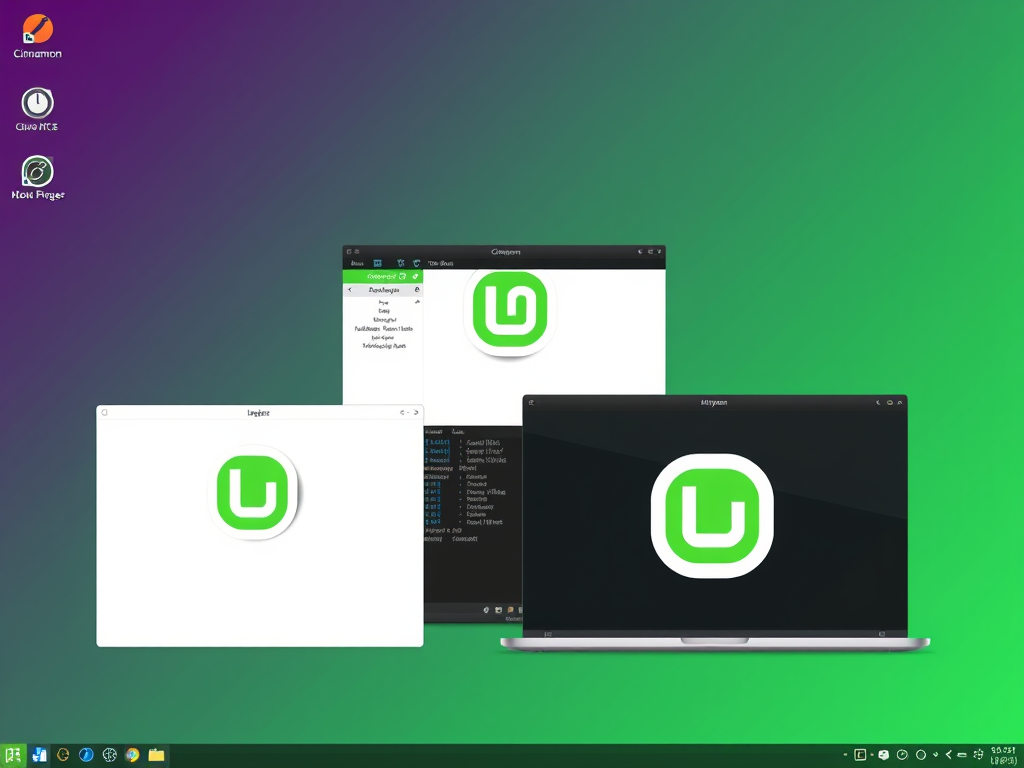
When installing Linux Mint Debian Edition (LMDE), the installer is asking which desktop environment (DE) you want.
Think of this as choosing the look, feel, and behavior of your desktop—not the underlying Linux system.
Below is a clear, practical breakdown so you can choose confidently.
What a Desktop Environment Is (in plain terms)
A desktop environment controls:
- How your desktop looks
- How windows behave
- Menus, panels, taskbars
- System settings tools
- Resource usage (how heavy it feels)
You can technically install multiple later, but it’s best to pick one main environment during install.
Cinnamon (⭐ Default & Recommended for LMDE)

Best for: Most users, especially coming from Windows
Pros
- Designed by Linux Mint
- Windows-like layout (Start menu, taskbar)
- Modern, polished, consistent
- Best integration with Mint tools
- Good balance of performance and visuals
Cons
- Slightly heavier than XFCE (still very reasonable)
Choose Cinnamon if:
- You want something that “just works”
- You like Windows-style desktops
- You don’t want to tweak endlessly
👉 If unsure, pick Cinnamon.
XFCE (Lightweight & Fast)


Best for: Older hardware or users who value speed over looks
Pros
- Very lightweight
- Extremely fast and stable
- Minimal RAM/CPU usage
- Highly customizable if you enjoy tweaking
Cons
- Looks dated out of the box
- Fewer modern effects
- Requires manual customization to look “nice”
Choose XFCE if:
- Your PC is older or low-spec
- You want maximum speed
- You like simple, no-frills desktops
GNOME (Modern & Opinionated)
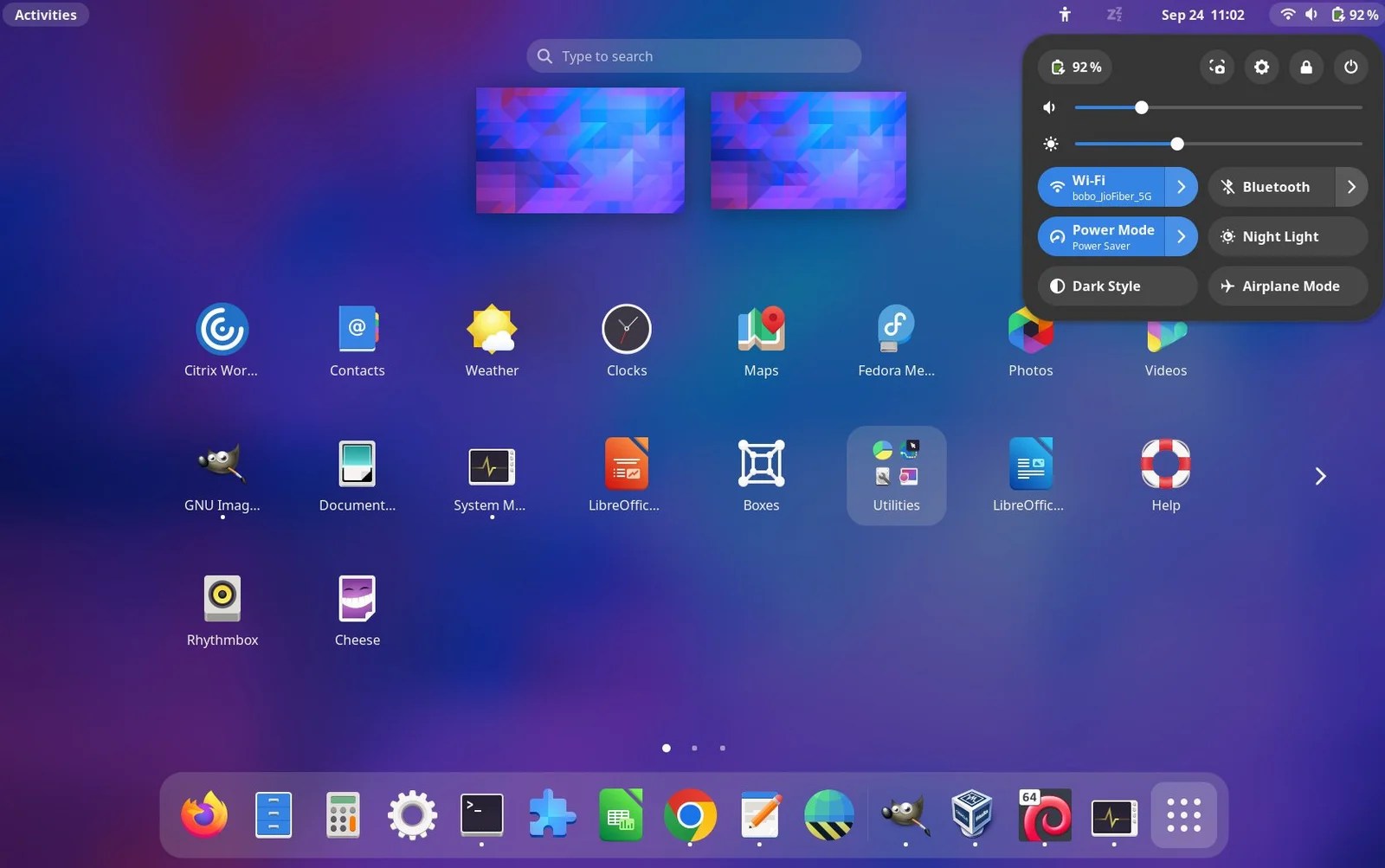
Best for: Touchpads, laptops, and users who like a clean workflow
Pros
- Very modern and clean
- Excellent keyboard & touchpad workflow
- Strong accessibility support
Cons
- Heavy on resources
- Very different from Windows
- Requires extensions to behave traditionally
- Not Mint’s focus
Choose GNOME if:
- You already like GNOME
- You prefer macOS-style workflows
- You use keyboard shortcuts heavily
“Others” (MATE, KDE Plasma, etc.)
These may appear depending on installer or network setup.
MATE
- Old-school GNOME 2 feel
- Lightweight, stable
- Less visually modern
KDE Plasma
- Extremely customizable
- Beautiful and powerful
- Heavier and more complex
- Not officially supported in LMDE
Quick Recommendation Table
| Your Priority | Best Choice |
|---|---|
| Unsure / first time | Cinnamon |
| Older or weak PC | XFCE |
| Modern workflow / laptop | GNOME |
| Extreme customization | KDE (advanced users) |
Important Note (LMDE-Specific)
LMDE is primarily designed for Cinnamon.
XFCE works well.
GNOME works but is less “Mint-like.”
If you want the smoothest LMDE experience → Cinnamon.
Leave a Reply